디바이스를
플래시하고 인증하고 디버깅하세요
TuyaOpen 지원 칩을 위한 무료 현대식 펌웨어 도구입니다.
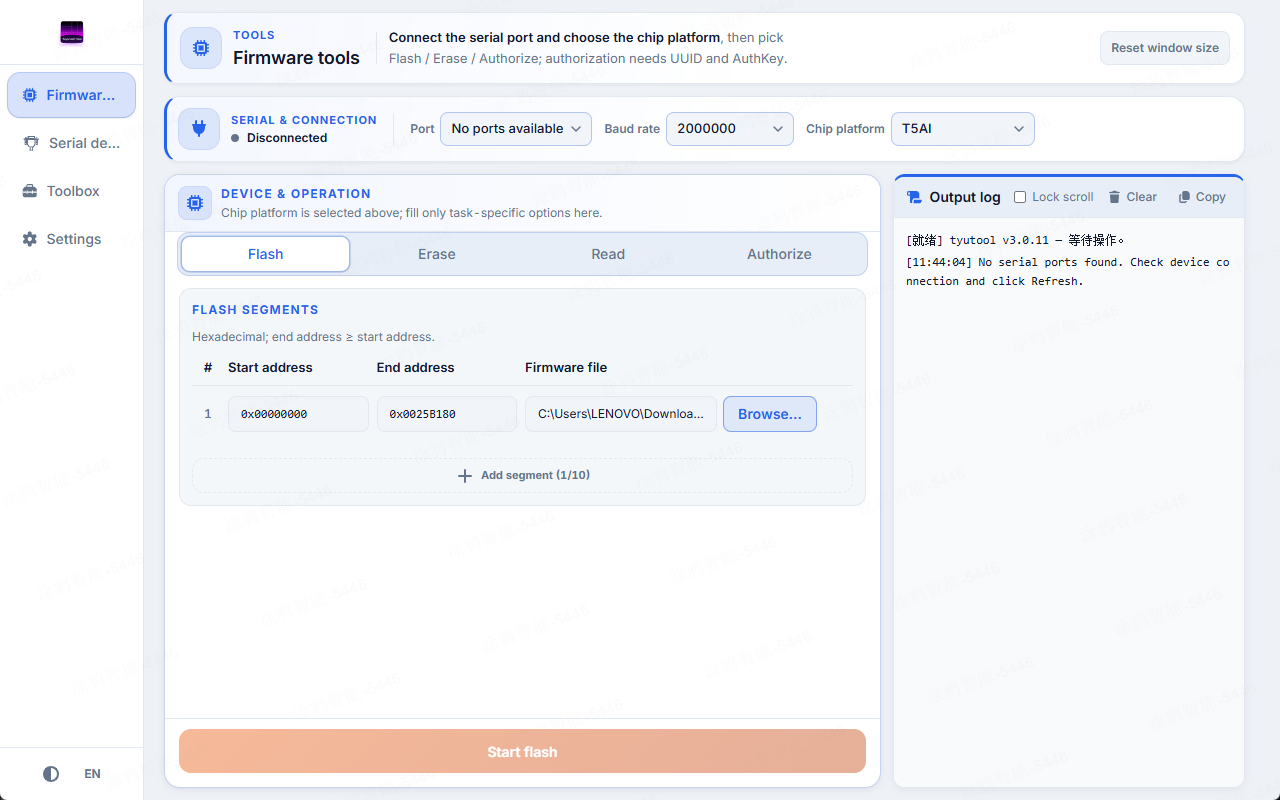
tyutool은 깔끔한 크로스 플랫폼 데스크톱 앱과 스크립트 가능한 명령줄 도구를 함께 제공합니다. 데스크톱에서 플래시하고 CI에서 자동화하며 같은 결과를 얻으세요.
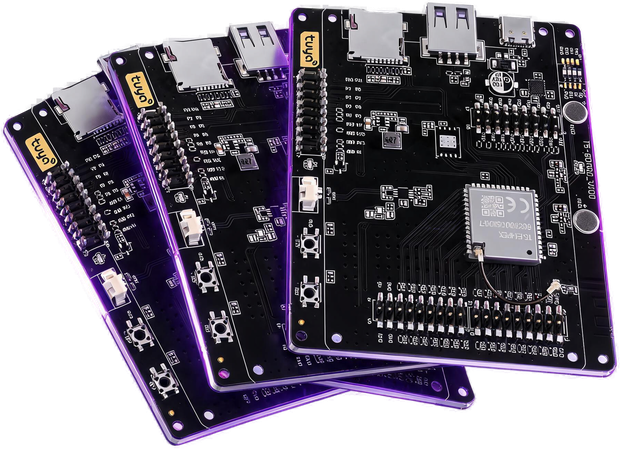

보드를 구동하는 데 필요한 모든 것
책상에서의 첫 플래시부터 전체 양산 배치 인증까지 지원합니다.

Firmware flash & read
Write .bin firmware or dump flash back to a file. Per-chip baud defaults, custom address ranges, live progress, and a clean cancel that always releases the port.

Device authorization
Write and verify a Tuya UUID + AuthKey over UART, or read the current authorization state. An auth-only mode handles devices that just need a license, no flashing.

Serial debug monitor
A built-in serial terminal with real ANSI color rendering, hex and ASCII views, timestamps, and one-click capture — so you can watch logs without leaving the tool.
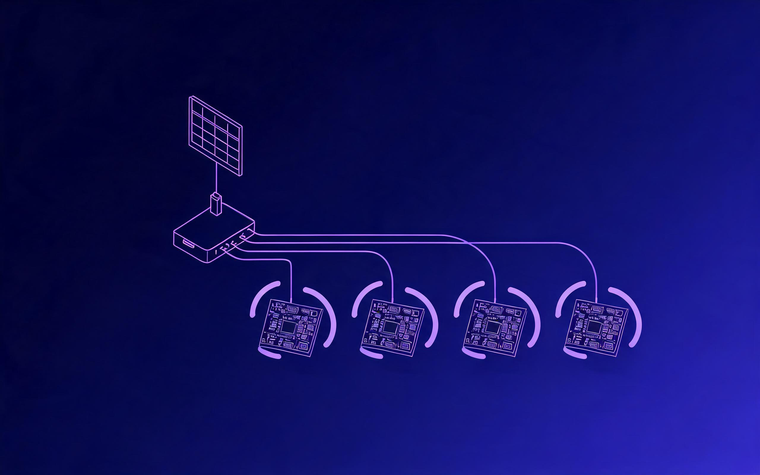
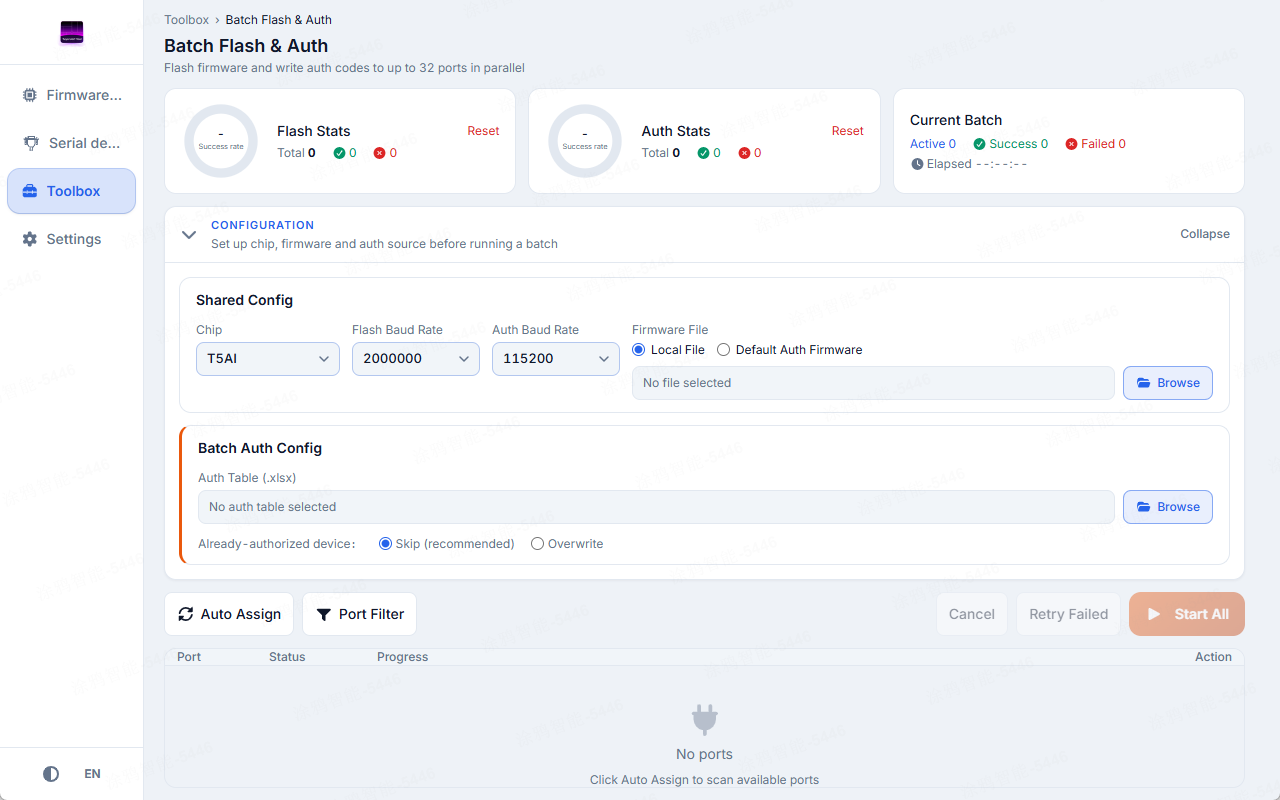
Batch flash & auth
Flash and authorize many boards in parallel from a single window, each port with its own progress and status. Drive authorization from a spreadsheet for production lines.

Desktop app & command line
A friendly desktop app for everyday work, and a scriptable command line for automation and CI. Both flash, authorize, and debug the same way — pick whichever fits the moment.
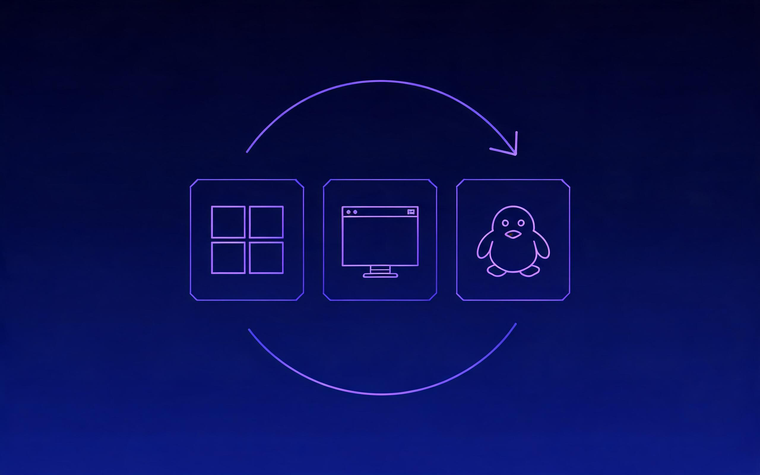
Cross-platform & self-updating
Runs on Windows, macOS, and Linux. The recommended installers keep themselves up to date, and one-click log export makes filing a useful bug report easy.
친숙한 GUI 또는 스크립트 가능한 CLI
상황에 맞는 인터페이스를 선택하세요. 두 방식은 같은 작업을 수행합니다.
Desktop GUI
Pick a chip, choose your firmware and port, and hit flash. Tabs for flashing, authorization, serial debug, and batch tools — with your settings remembered between sessions.
- Point-and-click flashing
- Live progress & phase view
- Remembers your last setup
Command-line
Nothing to install — one self-contained download. Great for automation, CI pipelines, and headless machines, with clean plain-text output when piped to a log.
- Scriptable & CI-friendly
- Shell completions included
- Self-update built in
# Flash firmware (port auto-detected)
$ tyutool write -d bk7231n -f firmware.bin

# Dump the current flash to a file
$ tyutool read -d t5ai -p /dev/ttyUSB0 -f dump.bin

# Write Tuya authorization
$ tyutool authorize -p /dev/ttyUSB0 \
    --uuid <UUID> --authkey <AUTHKEY>

# List serial ports as JSON
$ tyutool list-ports --json멀티 칩 지원
아래 칩에는 플래시 지원이 기본 제공되며 더 많은 칩이 계속 추가됩니다.
한 번에 전체 배치를 구동하세요
배치 도구를 사용하면 한 명의 작업자와 USB 허브만으로 소규모 플래시 라인을 구성할 수 있습니다.
- Flash many ports in parallel, each with independent progress and status.
- Authorize from a spreadsheet — one UUID / AuthKey row per device.
- Flash-then-authorize, or authorize-only for licensed-but-pre-flashed boards.
- Per-slot cancel and retry, plus running success / failure tallies.
tyutool 받기
플랫폼에 맞는 데스크톱 앱 또는 독립형 CLI를 받으세요.



명령줄을 선호하시나요?
Standalone CLI builds are available for Linux, macOS, and Windows on the same releases page — no runtime to install.